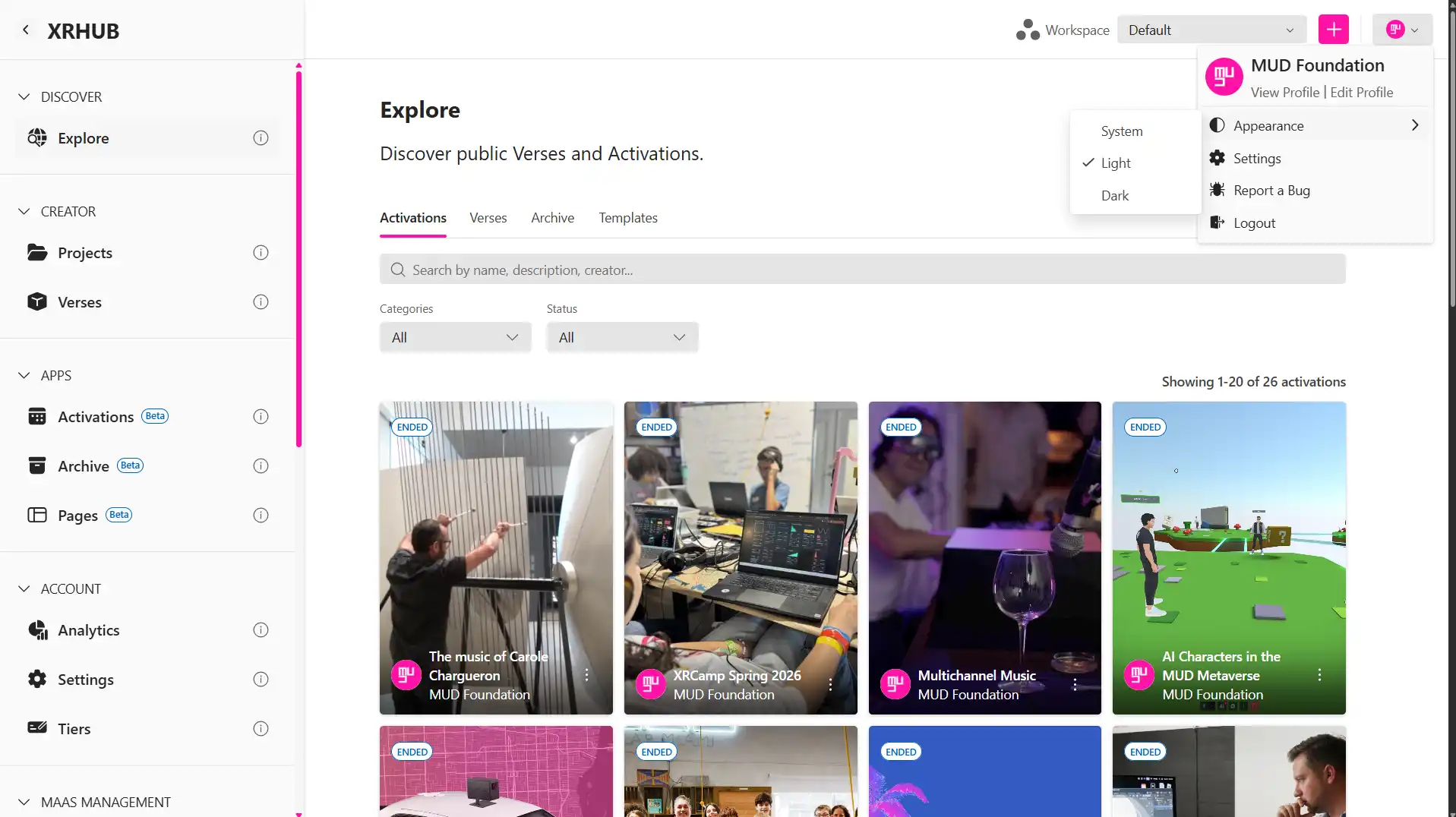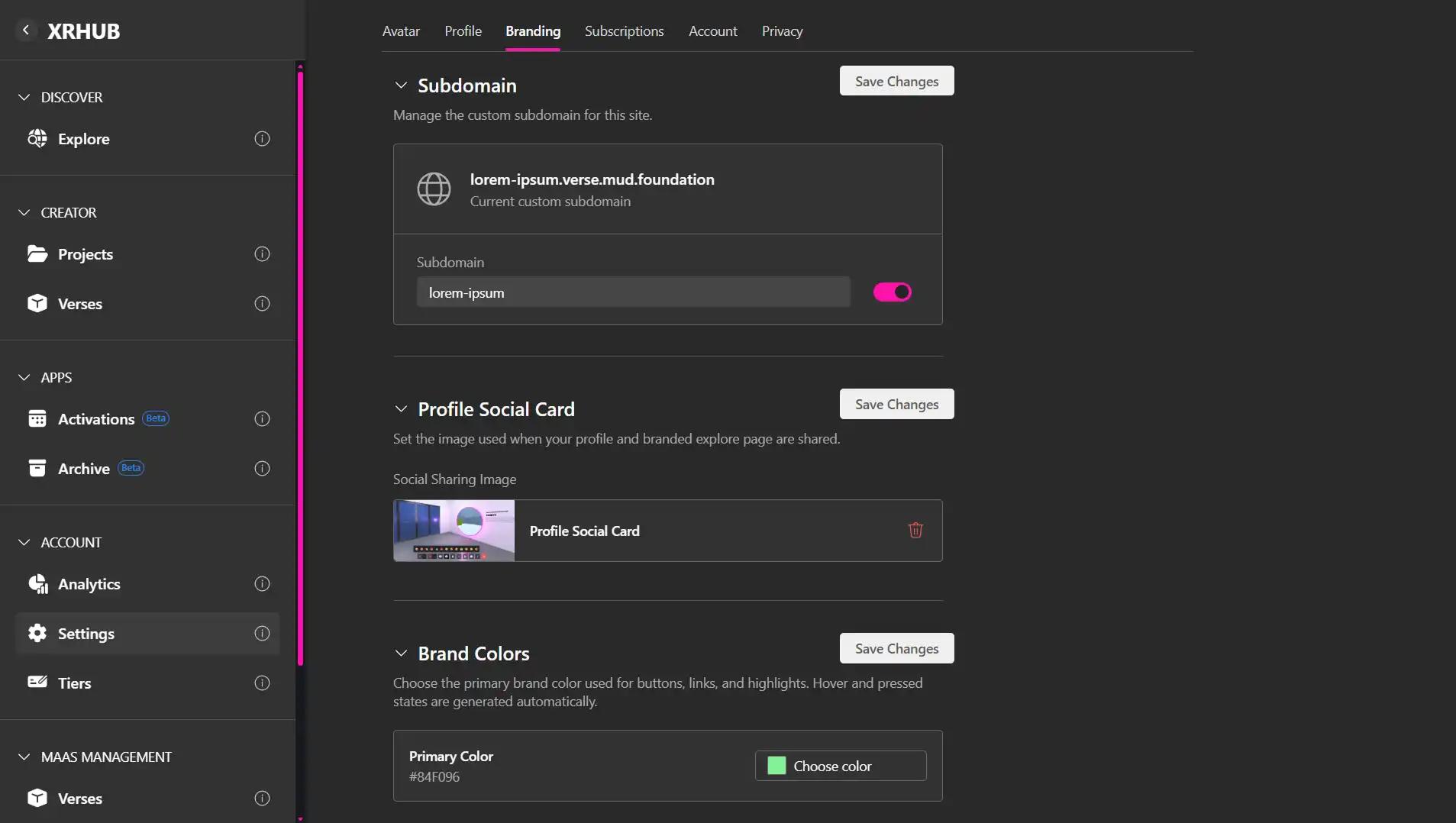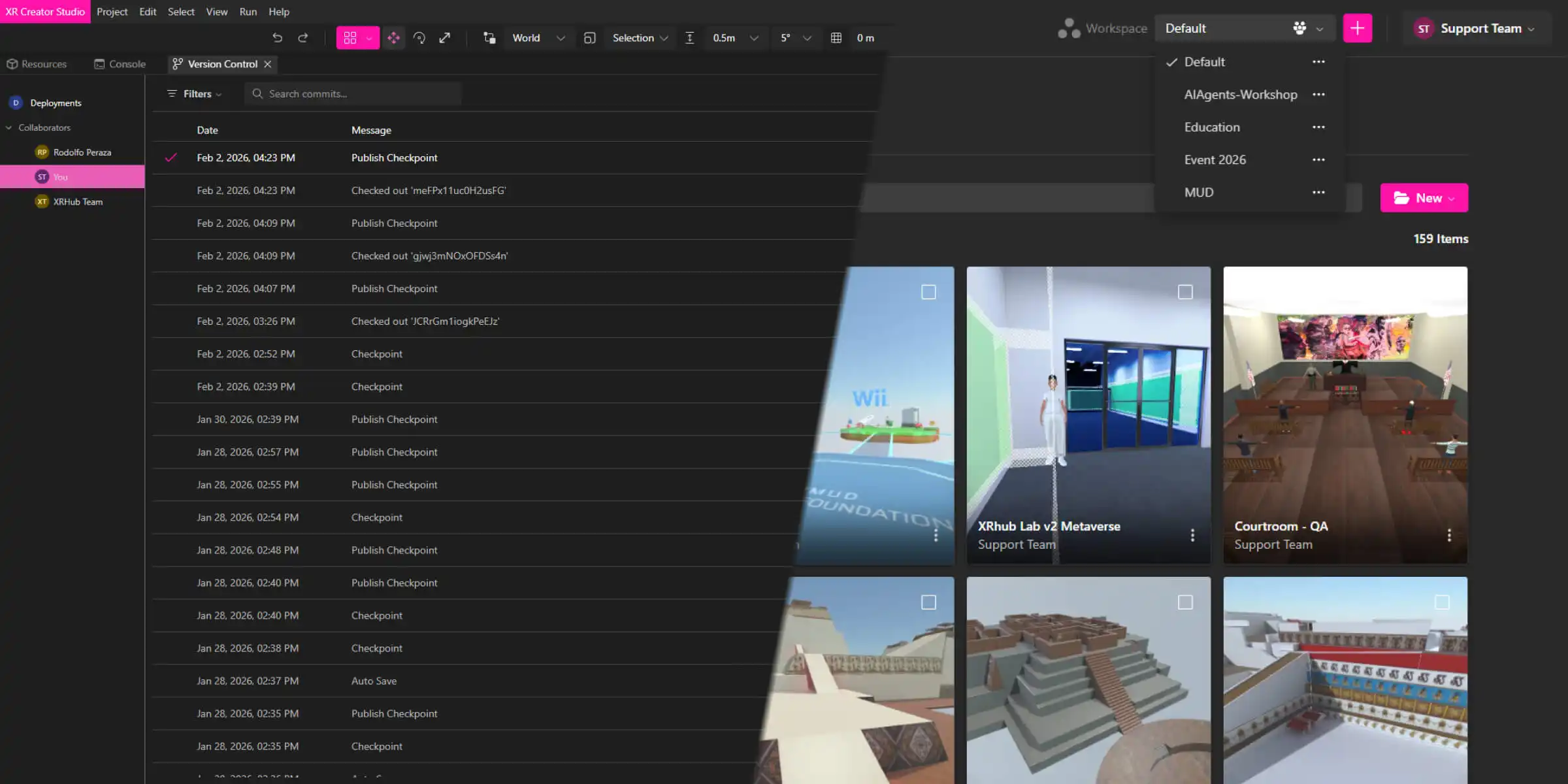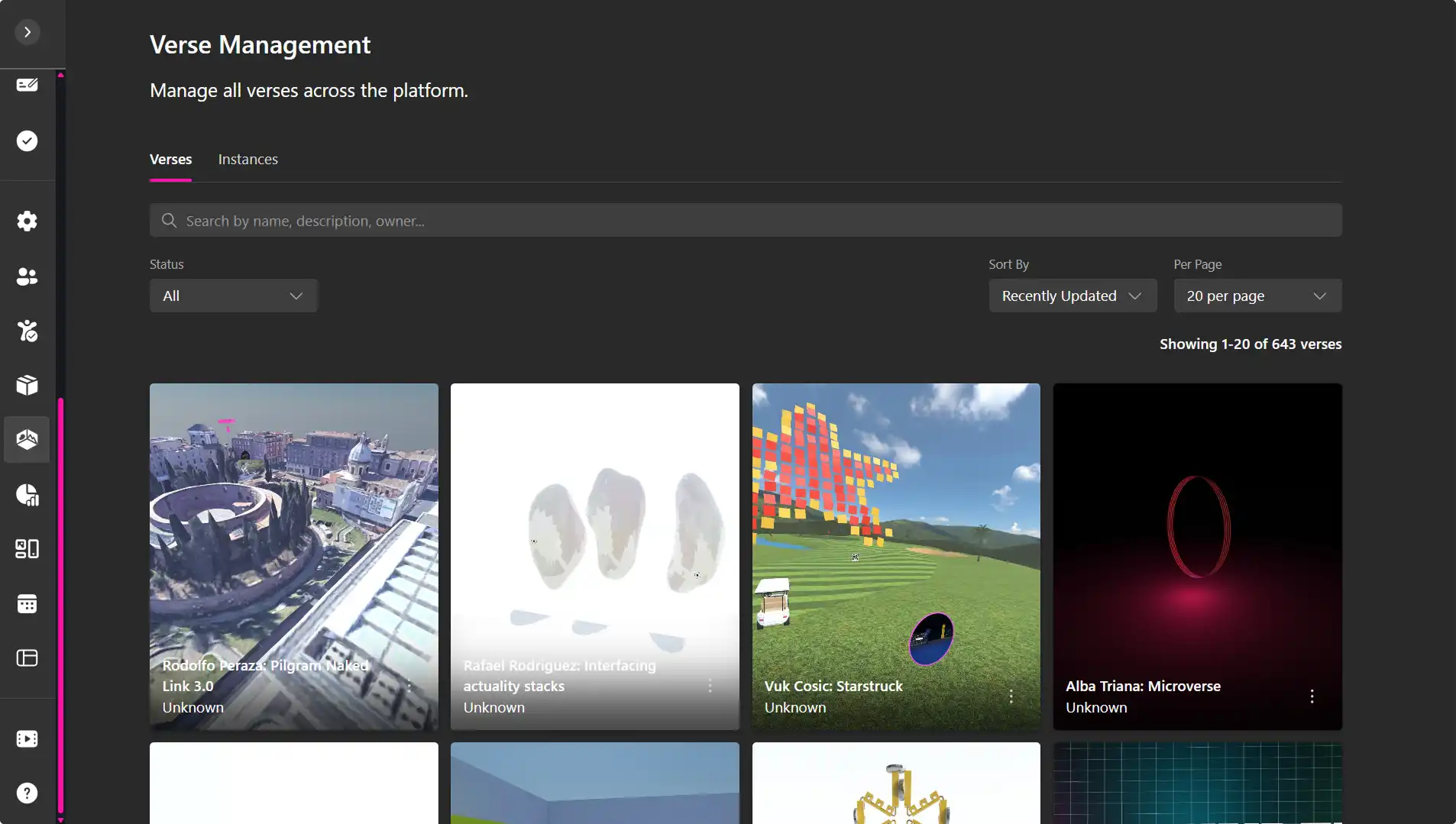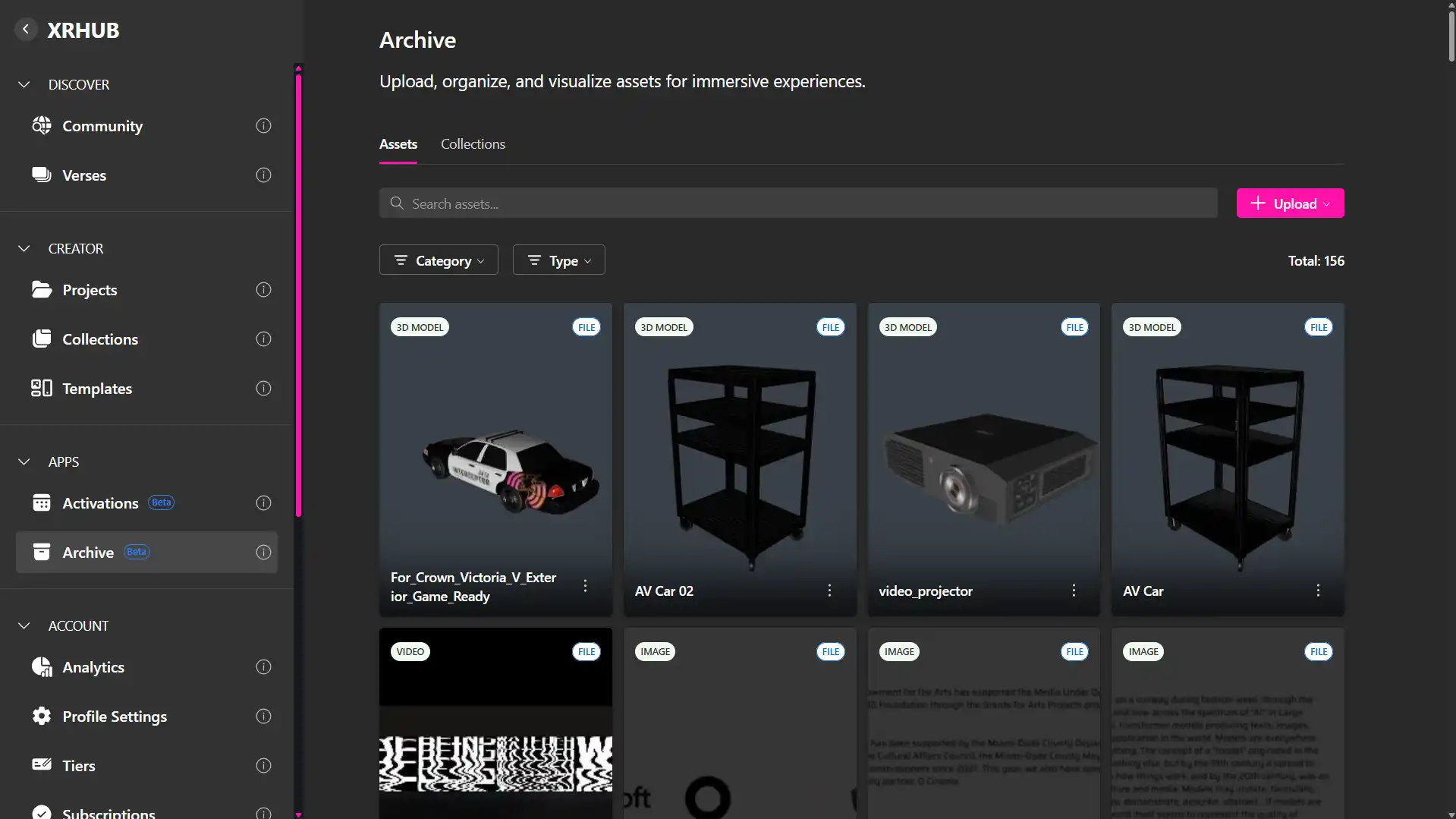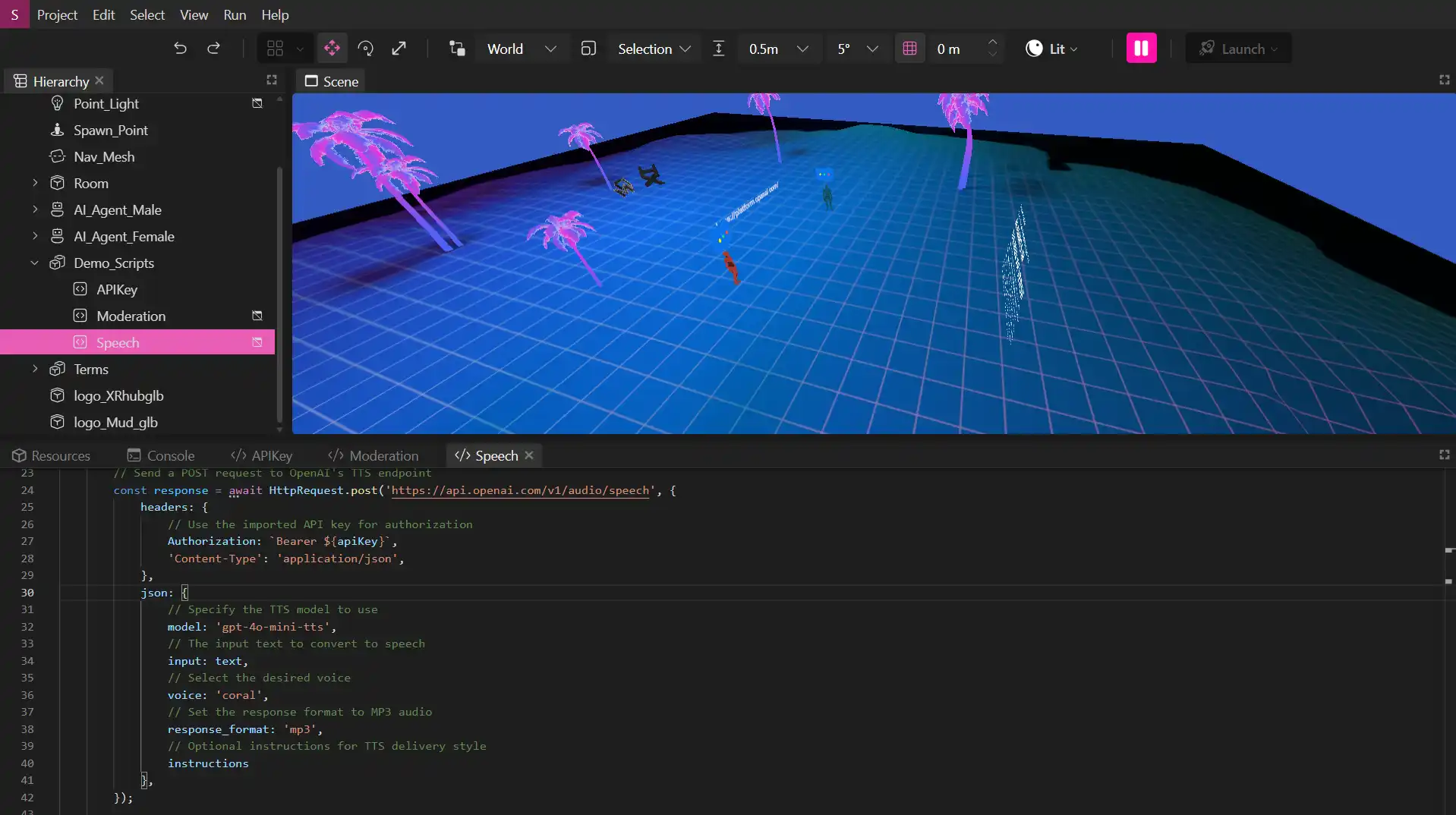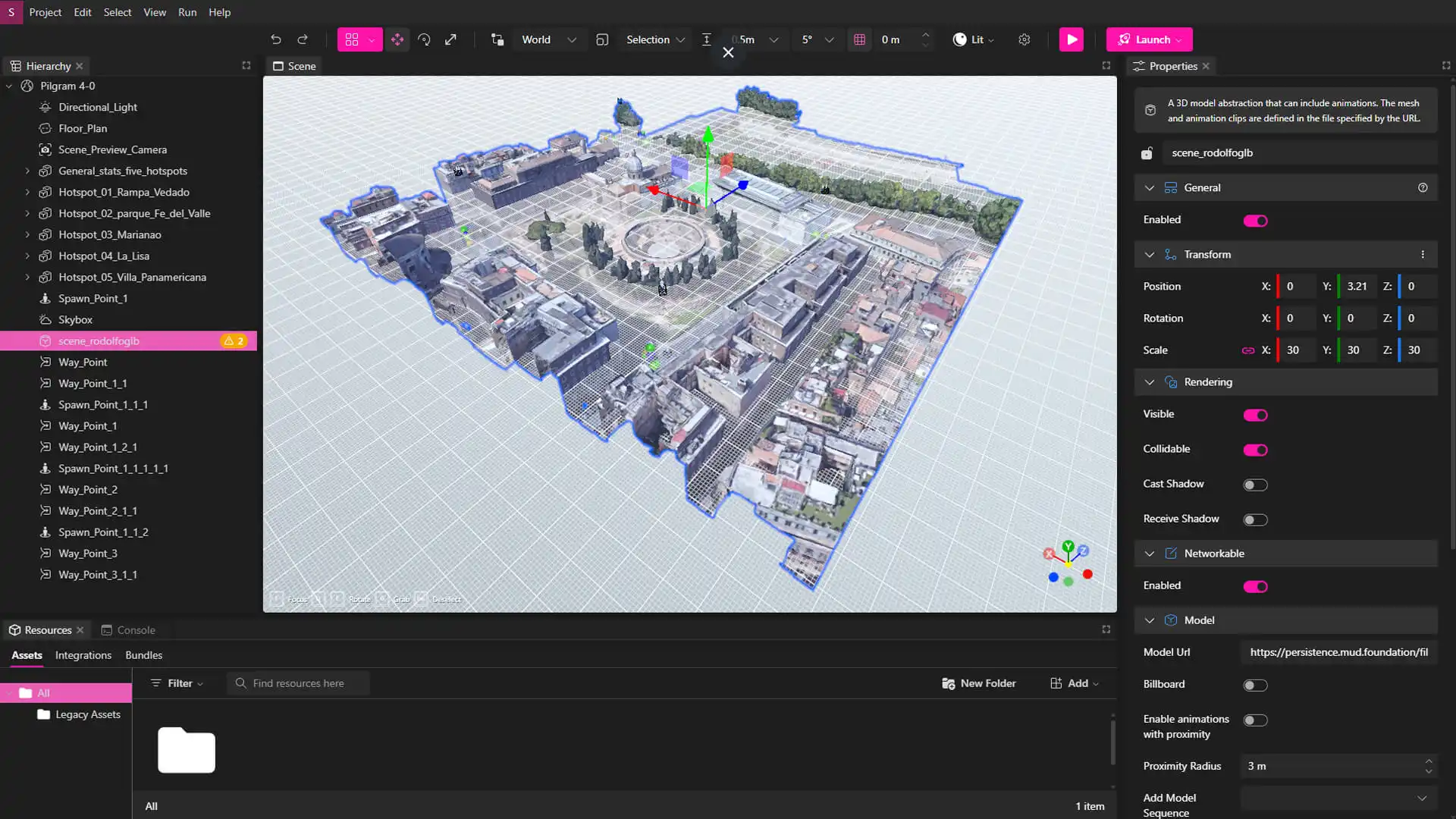

With XRHUB Dashboard Explorer v1.1.0, Metaverse v1.63.0, and XR Creator Studio v1.30.0, you'll find improvements to meeting layouts, AI-generated summaries, room resource controls, event locations, and onboarding—helping users run more engaging sessions and build smarter immersive workflows from end to end.
Metaverse v1.63.0
New Features
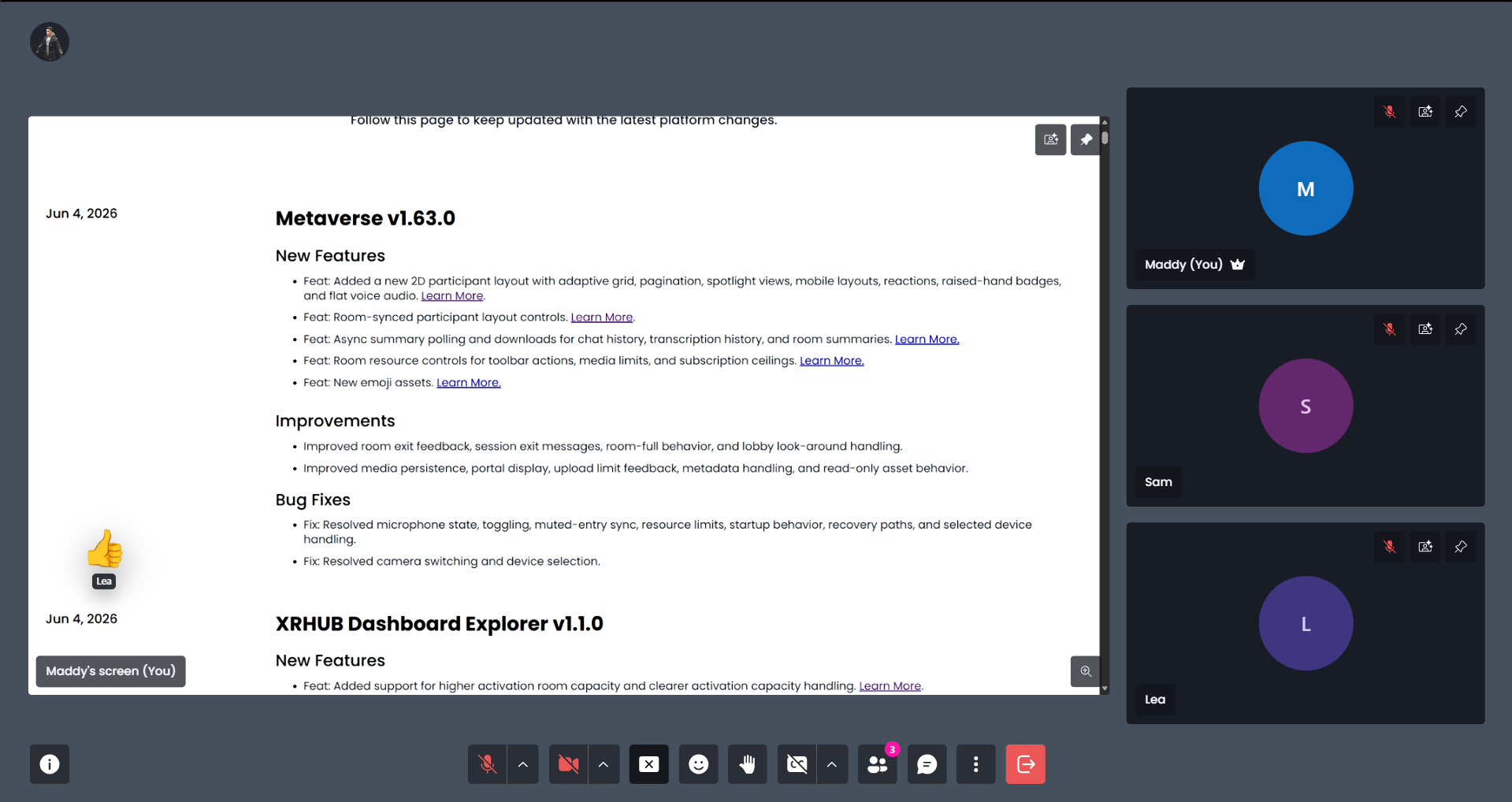
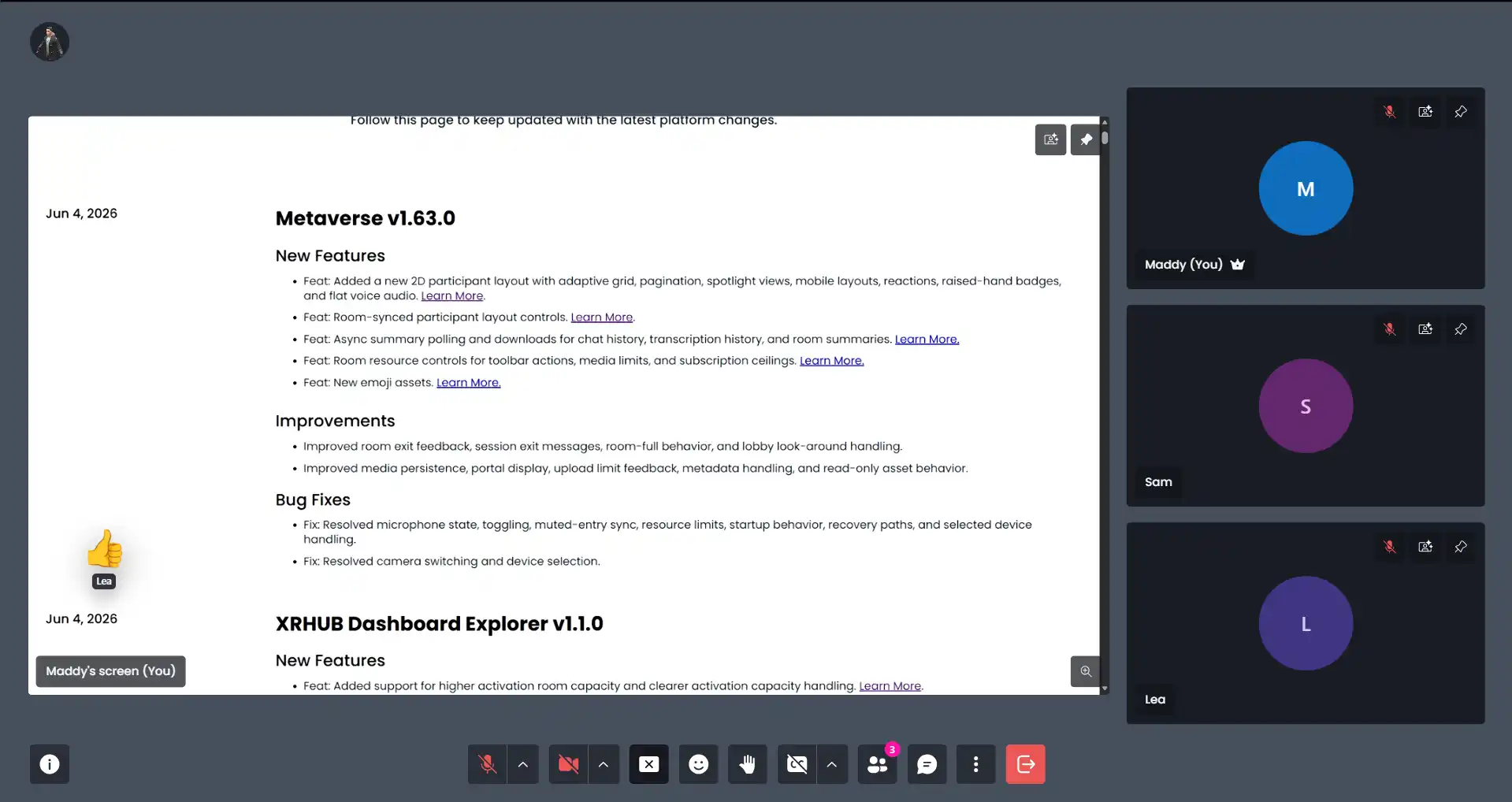
A New 2D Participant Layout — Metaverse introduces a completely redesigned 2D meeting experience that makes virtual collaboration more engaging, organized, and accessible across devices.
What It Is
The new participant layout automatically adapts to the size and format of your meeting using responsive participant grids, pagination, spotlight views, optimized mobile layouts, reactions, raised-hand badges, and flat voice audio. Whether you're hosting a small team meeting or a large virtual event, participants benefit from a cleaner and more familiar collaboration experience.
What Users Can Do
With the new participant layout, users can:
- View participants in adaptive grid or spotlight layouts.
- Join meetings from desktop or mobile with optimized layouts.
- Use reactions and raised-hand badges to participate more naturally.
- Enjoy a streamlined voice experience with flat voice audio.
- Synchronize participant views across the room.
- Deliver more consistent presentations and workshops.
- Keep attendees focused on shared content.
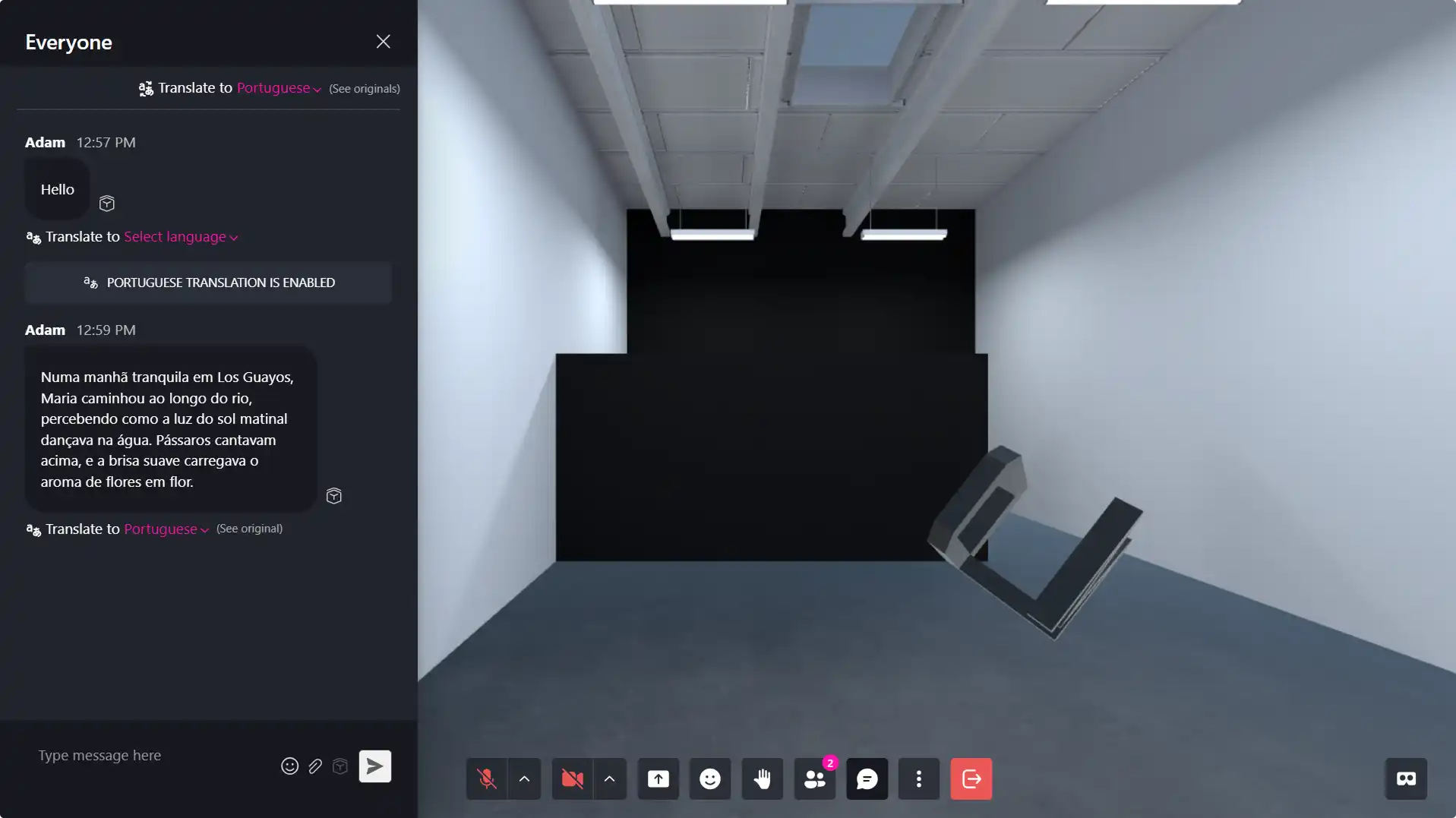
AI Summary Downloads — Meeting content is now processed in the background, making summaries available without interrupting your workflow.
What It Is
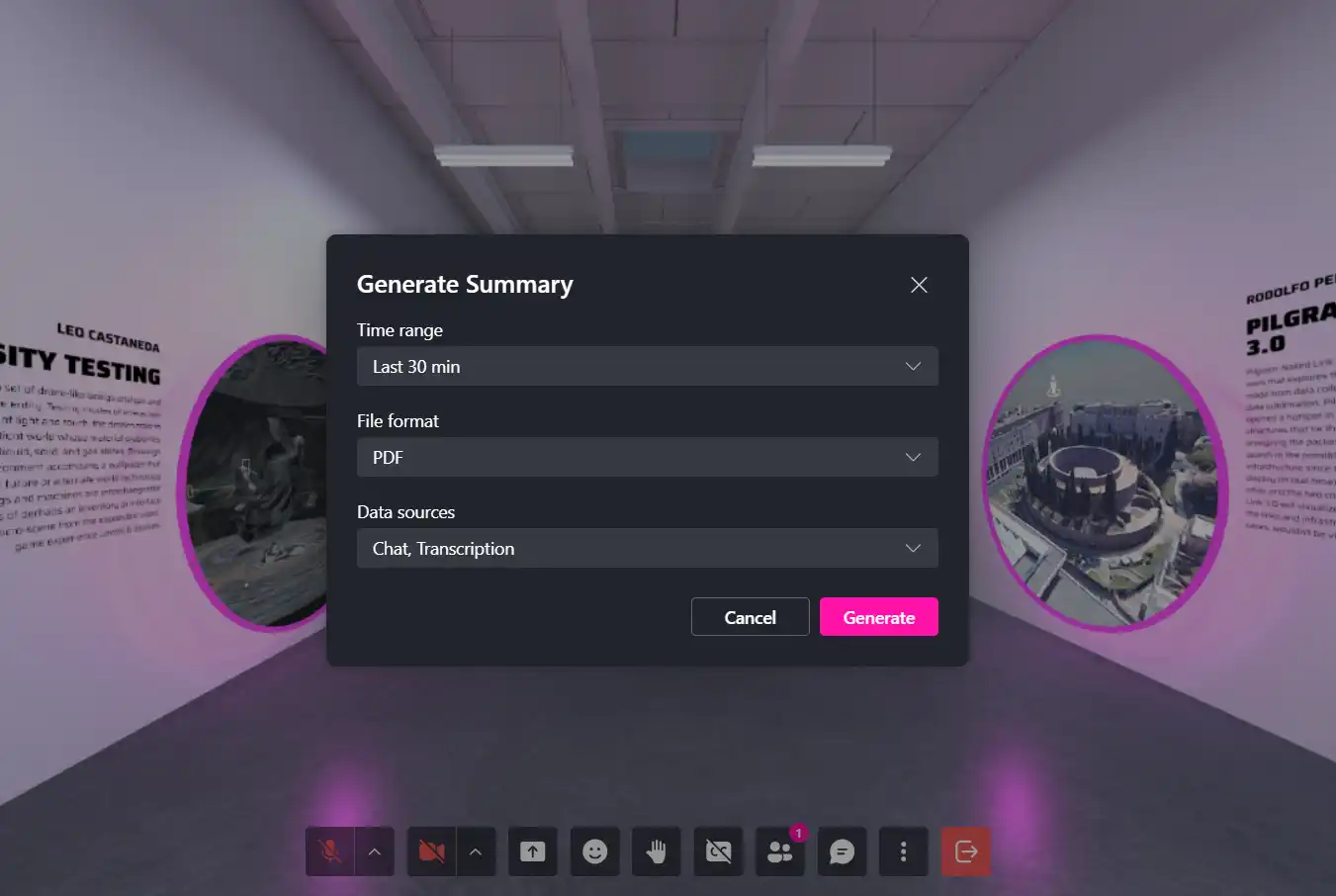
Chat history, transcription history, and room summaries are now generated asynchronously. Once processing is complete, users can download their summaries directly from the platform whenever they're ready.
What Users Can Do
With asynchronous summaries, users can:
- Continue working while summaries are generated.
- Download chat history, transcription history, and room summaries.
- Easily archive and share meeting outcomes.
Room Resource Controls — Administrators now have greater flexibility when configuring room capabilities.
What It Is
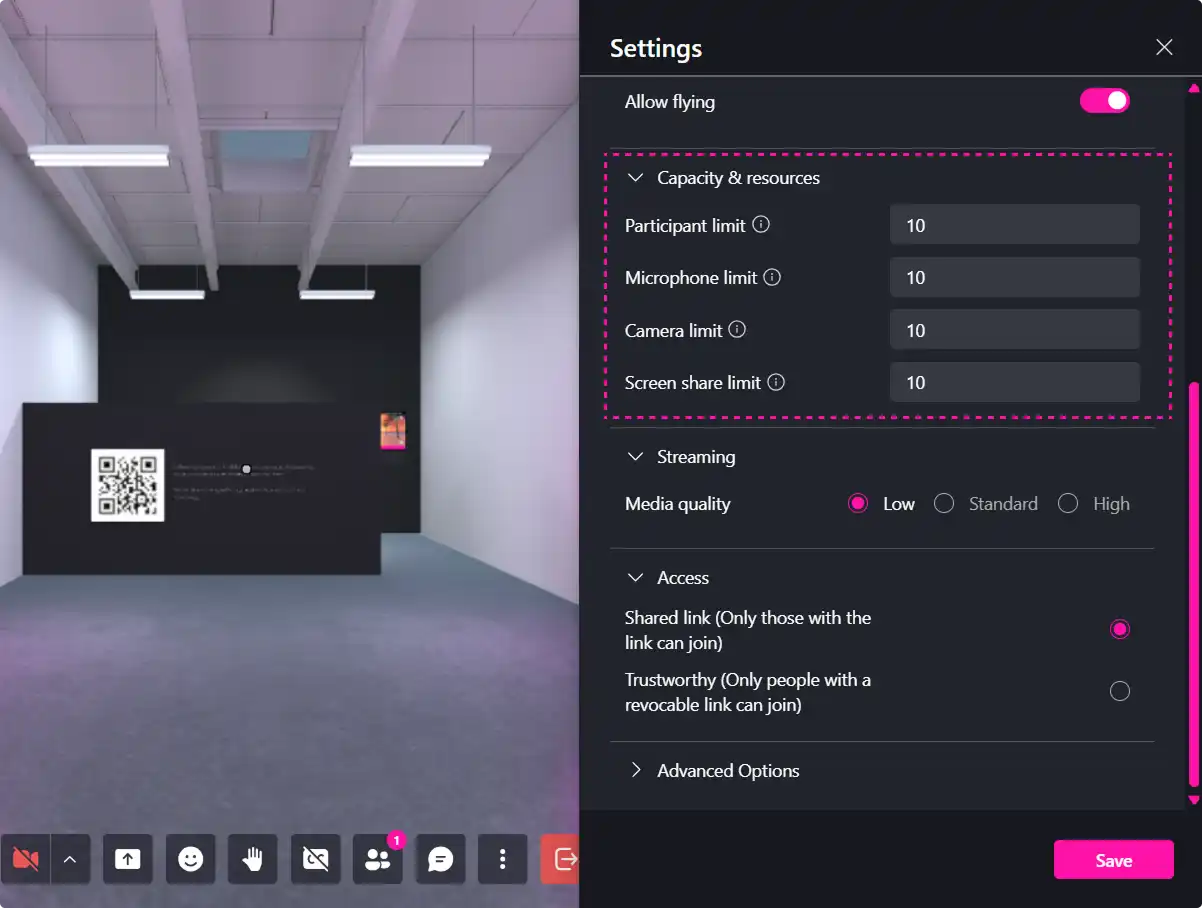
New room resource controls allow administrators to manage toolbar actions, media limits, and subscription ceilings directly within room settings. These controls make it easier to tailor experiences for different audiences while maintaining oversight of room resources.
What Users Can Do
With room resource controls, administrators can:
- Configure available toolbar actions.
- Set media usage limits.
- Manage subscription ceilings for individual rooms.
XRHUB Dashboard Explorer v1.1.0
New Features
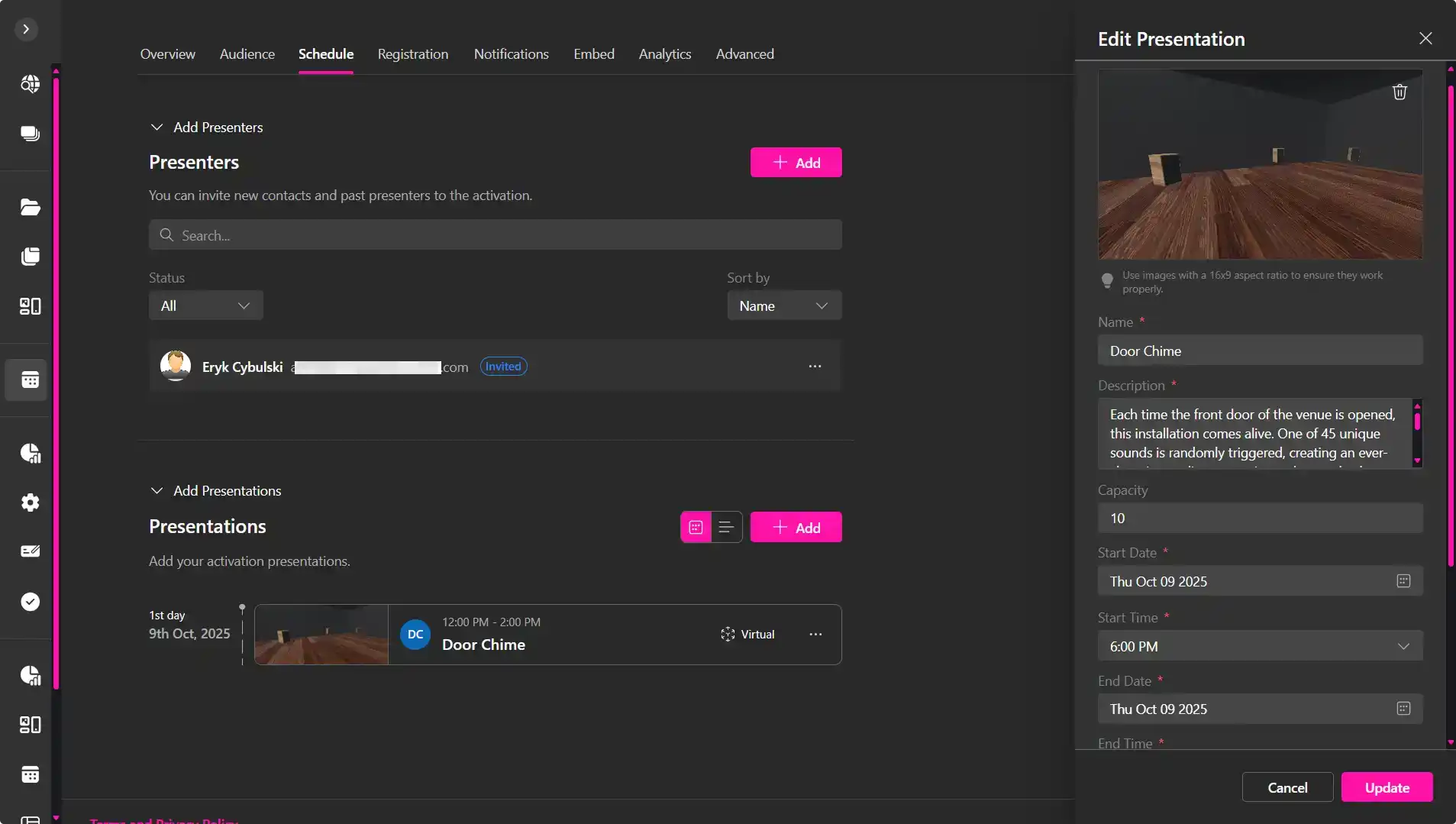
Custom Event URLs — Use different entry points for your immersive experiences.
What It Is
When creating an event, you can now choose a published Verse as your virtual location or provide a custom URL for an external meeting platform such as Zoom or Google Meet. This gives organizers the flexibility to host events either within the MUD XR Platform or through existing collaboration tools.
What Users Can Do
With custom virtual locations, organizers can:
- Select a published Verse as the destination for an event.
- Add a custom URL for external platforms like Zoom or Google Meet.
- Direct attendees to the meeting environment that best fits their event.
Improvements
Instant Access onboarding has been refined to help new users join experiences more smoothly. Additional improvements to activation entry badges, activation room handling, manager invitation redirects, landing page downloads, and activation limit handling further streamline event administration and participant management.
XR Creator Studio v1.30.0
New Features
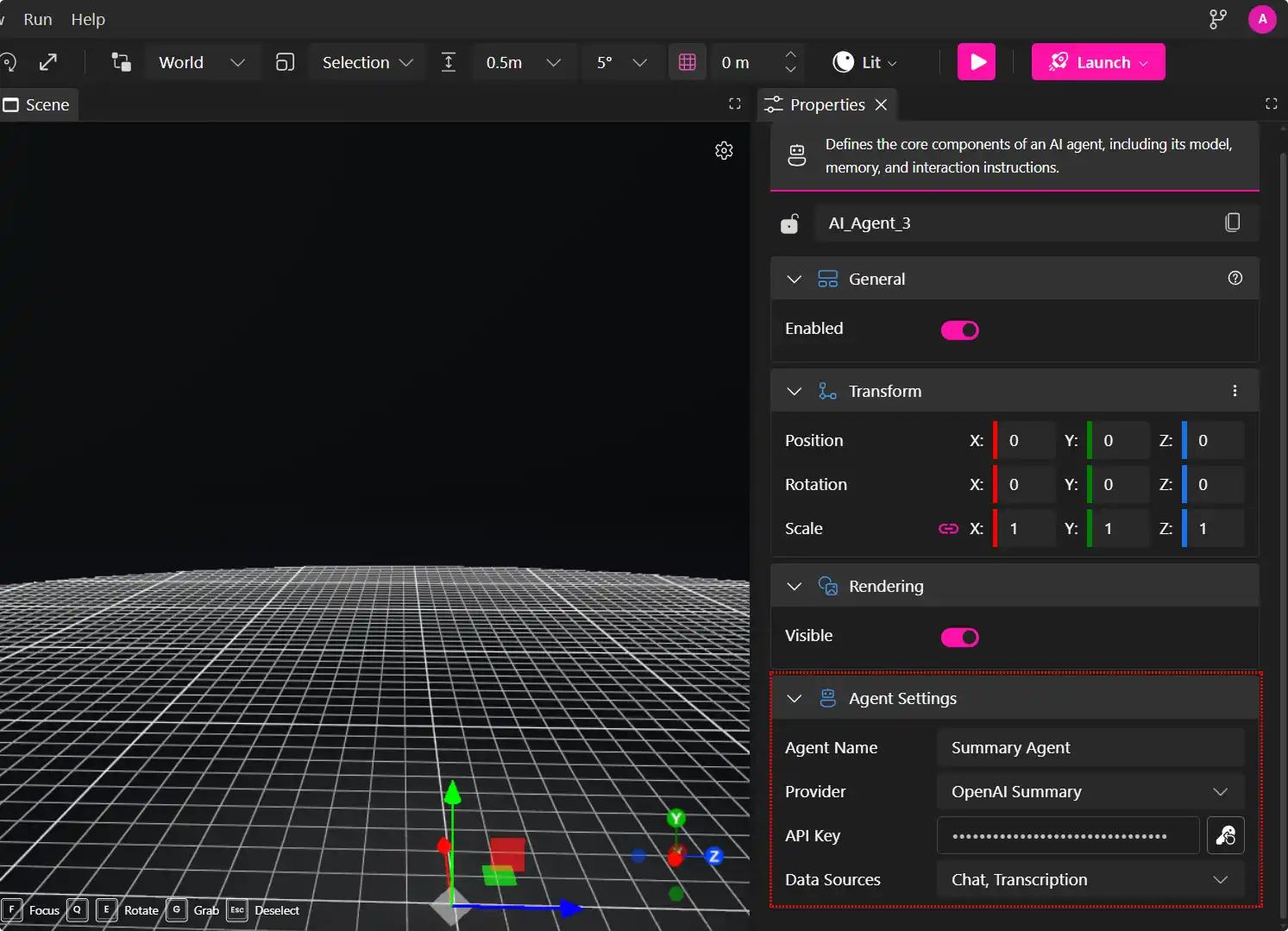
OpenAI Summary Agent Support — Build AI-powered summary workflows directly inside Creator Studio.
What It Is
Creator Studio now supports an OpenAI Summary Agent within the editor, along with AI node provider rules and configurable property controls. These additions make it easier to integrate AI-generated summaries into immersive experiences while providing greater flexibility when configuring AI workflows.
What Users Can Do
With the OpenAI Summary Agent, creators can:
- Add AI-powered summary functionality directly within the editor.
- Configure AI node provider rules.
- Customize agent properties to support different workflow requirements.
Improvements
Media controls are now disabled by default for cleaner project configurations. Event organizers can also configure custom post-RSVP redirect URLs, allowing attendees to be directed to the most relevant destination after registration.
Bug Fixes
This release includes fixes for walkability detection, Scene Preview camera helper updates, iOS CanvasTexture orientation, hemisphere light serialization, and related Three.js behavior, improving both editor reliability and scene consistency.
For Creators, Event Hosts & Artists
These updates focus on creating more engaging collaboration experiences while giving organizations greater control over how immersive events are managed and delivered:
- Event Hosts can deliver more engaging meetings with the new adaptive 2D participant layouts, synchronized room views, and easier access to AI-generated meeting summaries.
- Creators andArtists can build smarter workflows with the new OpenAI Summary Agent, improved asset organization, and enhanced search and filtering tools in Creator Studio.
- Administrators gain greater control over room resources, activation management, and event configuration, including support for custom virtual locations using published Verses or external meeting platforms like Zoom and Google Meet.
- Organizations benefit from improved onboarding, larger activation room capacities, and more reliable meeting management across the MUD XR Platform.
Together, these updates make immersive collaboration more intuitive, AI-powered workflows easier to build, and enterprise event management more flexible and scalable.
Join the Conversation
Have feedback or want to feature your Verse in our upcoming showcase? Let us know on Discord or tag us on your next immersive project. Let’s shape the future of digital expression, together.
Explore More:
To learn more about using these tools, visit the MUD Foundation Inc. Docs and YouTube Tutorials.
Stay creative. Stay critical. Stay connected.
XRHub by MUD Foundation Inc.
Empowering communities through XR & AI
XRHub - MUD Foundation INC / Art + Tech + Community